
LINUX FOUNDATION · CKA

Linux Foundation CKA Exam Practice Questions

23 tasksInstant PDF downloadUpdated September 2026

US$39

Try 10 questions free

Card, Apple Pay or Google Pay. Your PDF is sent by email as soon as you check out.

Pass or your money backFail the exam after using this pack and we refund it. How the guarantee works
Category:
TRY BEFORE YOU BUY

Three of the 23 tasks in this pack

Question 1

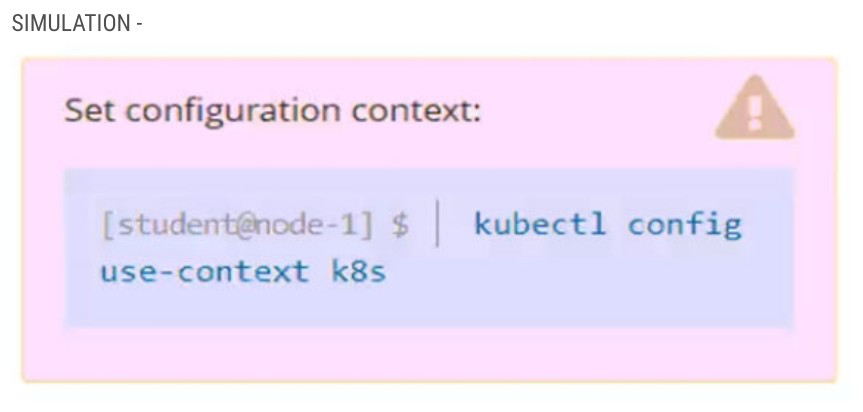
SIMULATION Context You have been asked to create a new ClusterRole for a deployment pipeline and bind it to a specific ServiceAccount scoped to a specific namespace. Task Create a new ClusterRole named deployment-clusterrole, which only allows to create the following resource types: • Deployment • Stateful Set • DaemonSet Create a new ServiceAccount named cicd-token in the existing namespace app-team1. Bind the new ClusterRole deployment-clusterrole to the new ServiceAccount cicd-token, limited to the namespace app-team1. Completed Answer Create a ClusterRole with specific resource permissions, a ServiceAccount in a namespace, and bind them with a RoleBinding. Step 1 → kubectl config use-context k8s Step 2 → kubectl create clusterrole deployment-clusterrole --verb=create -- resource=Deployment,StatefulSet,DaemonSet Step 3 → kubectl create sa cicd-token --namespace app-team1 Step 4 → kubectl create rolebinding deploy-b -n app-team1 --clusterrole=deployment-clusterrole --serviceaccount=app-team1:cicd-token How To Work It Out 1. Switch to the k8s context to ensure commands operate against the correct cluster. 2. Create a ClusterRole named deployment-clusterrole that permits only the create verb on Deployment, StatefulSet, and DaemonSet resources. 3. Create a ServiceAccount named cicd-token in the app-team1 namespace to represent the identity for the deployment pipeline. 4. Create a RoleBinding named deploy-b in the app-team1 namespace that binds deployment-clusterrole to the cicd-token ServiceAccount, scoping the permissions to that namespace. The solution establishes RBAC by first ensuring the correct cluster context is active. It then creates a ClusterRole with granular permissions limited to the create action on only the three specified resource types. A ServiceAccount is created within the app-team1 namespace to represent the CI/CD pipeline identity. Finally, a namespaced RoleBinding connects the ClusterRole to the ServiceAccount, scoping the cluster-level role permissions to only the app-team1 namespace. This prevents the service account from having create permissions beyond app-team1 and limits it to only the resource types needed for deployments.

Exhibit for question 1

Show answer and explanation

The answer and explanation for this question are in the free sample PDF.

Question 2

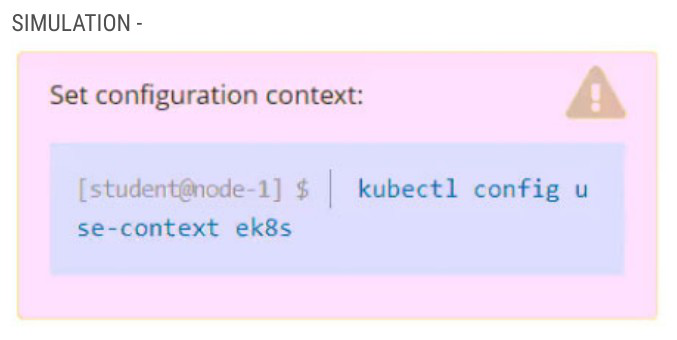
SIMULATION Task Set the node named ek8s-node-0 as unavailable and reschedule all the pods running on it. Completed Answer Set the node named ek8s-node-0 as unavailable and reschedule all the pods running on it. Step 1 → kubectl config use-context ek8s Step 2 → kubectl get nodes Step 3 → kubectl drain ek8s-node-0 --ignore-daemonsets --delete-emptydir-data --force Step 4 → kubectl get nodes How To Work It Out 1. Switch to the ek8s context to ensure all subsequent kubectl commands target the correct cluster. 2. Verify the current state of all nodes and confirm which one needs to be drained. 3. Drain the node using kubectl drain with both --ignore-daemonsets to skip DaemonSet pods and --delete-emptydir-data to remove pods with local storage, forcing rescheduling. 4. Confirm the node is cordoned and all workload pods have been evicted to other nodes. The task requires making a node unavailable and rescheduling its pods. First, the correct context (ek8s) must be set. The kubectl drain command cordons the node (marking it unschedulable) and evicts all pods except those managed by DaemonSets. The --ignore- daemonsets flag allows system pods to remain, while --delete-emptydir-data overrides the default safety check that prevents deletion of pods using local storage, ensuring all workload pods are successfully rescheduled to other available nodes. The final verification confirms the node is in the desired state and pods have migrated.

Exhibit for question 2

Show answer and explanation

The answer and explanation for this question are in the free sample PDF.

Question 3

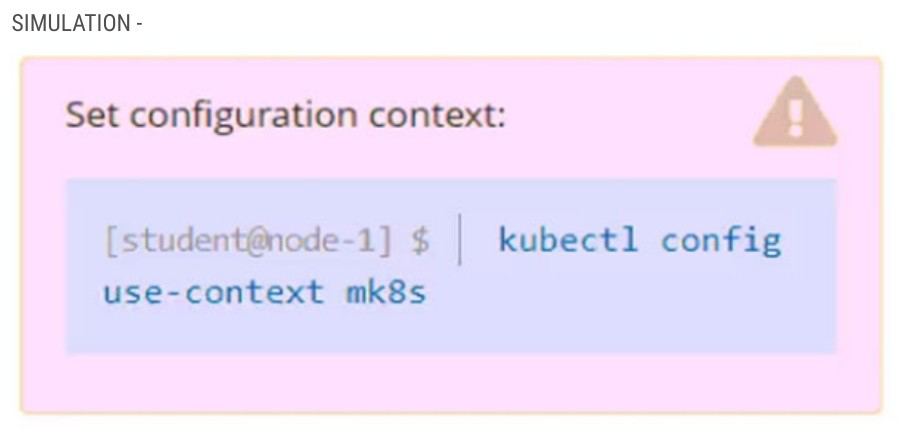
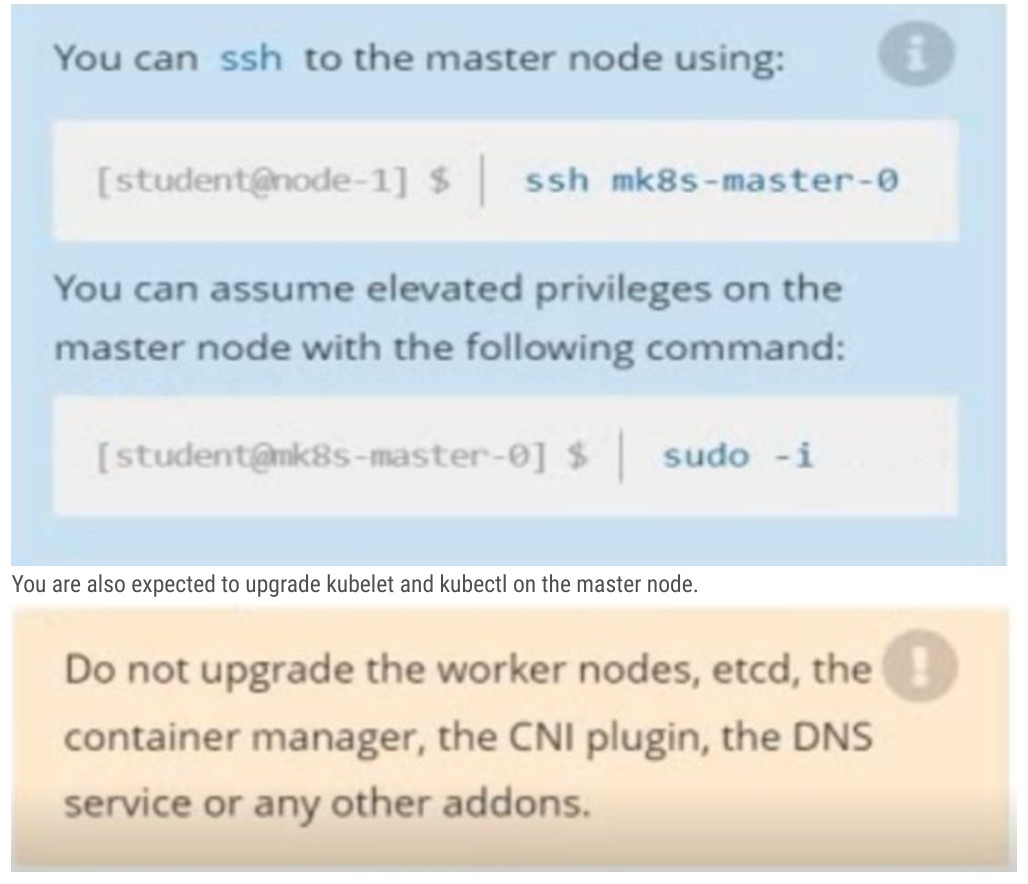
SIMULATION Task Given an existing Kubernetes cluster running version 1.22.1, upgrade all of the Kubernetes control plane and node components on the master node only to version 1.22.2. Be sure to drain the master node before upgrading it and uncordon it after the upgrade. You are also expected to upgrade kubelet and kubectl on the master node. Completed Answer Drain the master node, upgrade kubeadm/kubelet/kubectl and the control plane on mk8s- master-0 to v1.22.2, then uncordon the node. Step 1 - set context → kubectl config use-context mk8s Step 2 - list cluster nodes → kubectl get nodes Step 3 - evacuate the master → kubectl drain mk8s-master-0 --ignore- daemonsets Step 4 - verify SchedulingDisabled → kubectl get nodes Step 5 - connect to master node → ssh mk8s-master-0 Step 6 - elevate privileges → sudo -i Step 7 - install packages → apt-mark unhold kubeadm kubelet kubectl && apt-get update && apt-get install -y kubeadm=1.22.2-00 kubelet=1.22.2-00 kubectl=1.22.2-00 Step 8 - review upgrade options → kubeadm upgrade plan Step 9 - upgrade control plane → kubeadm upgrade apply v1.22.2 Step 10 - restart node agent → systemctl restart kubelet Step 11 - leave root shell → exit Step 12 - leave ssh session → exit Step 13 - return node to service → kubectl uncordon mk8s-master-0 Step 14 - confirm new version → kubectl get nodes How To Work It Out 1. Switch kubectl to the mk8s context and list the nodes so you can confirm both nodes are running v1.22.1 before touching anything. 2. Drain mk8s-master-0 with --ignore-daemonsets so workloads are evicted while DaemonSet pods such as kube-flannel and kube-proxy are tolerated; a second kubectl get nodes confirms the node now shows Ready,SchedulingDisabled. 3. SSH to mk8s-master-0 and run sudo -i because package installation and kubeadm both require root on the master itself. 4. Install the exact pinned packages kubeadm=1.22.2-00 kubelet=1.22.2-00 kubectl=1.22.2-00, since the task explicitly asks for 1.22.2 and for kubelet and kubectl to be upgraded too. 5. Run kubeadm upgrade plan to validate the cluster, then kubeadm upgrade apply v1.22.2 to upgrade the static control-plane pods, and restart kubelet so the new binary is picked up; note the target must be v1.22.2, not the newest v1.22.9 offered. 6. Exit back to node-1, uncordon mk8s-master-0 to make it schedulable again, and re- run kubectl get nodes, which now shows mk8s-master-0 at v1.22.2 while mk8s-node-0 stays at v1.22.1 as required. The upgrade follows the standard kubeadm procedure applied to a single control-plane node. Work starts from node-1 with the mk8s context selected, where the master is drained so no workloads run on it during the upgrade; --ignore-daemonsets is required because DaemonSet pods cannot be evicted. Then you connect to the master over SSH and become root, because the kubeadm, kubelet and kubectl packages live on that host and must be replaced with the pinned 1.22.2-00 versions. kubeadm upgrade plan checks cluster health and lists targets, but the task requires v1.22.2 specifically, so kubeadm upgrade apply v1.22.2 is used rather than the newest 1.22.9 shown in the plan output. Restarting kubelet loads the newly installed binary, and after leaving the master the node is uncordoned so scheduling resumes. The closing kubectl get nodes proves the goal: mk8s-master-0 reports v1.22.2 while the worker node remains at v1.22.1, since worker nodes, etcd, CNI and addons must not be touched.

Exhibit for question 3

Exhibit for question 3

Show answer and explanation

The answer and explanation for this question are in the free sample PDF.

See all 10 free questions Get the full pack, US$39

23 practice tasks for Linux Foundation Certified Kubernetes Administrator (CKA), with full step-by-step solutions.

Every task comes with a full step-by-step solution: the commands, the verification, and the fastest route to the answer. Work through it once with the solutions, then again with the tasks-only copy against the clock.

  • 23 tasks across all five CKA domains
  • Step-by-step solutions for every task
  • A tasks-only PDF for timed practice runs
  • Instant delivery by email the moment you check out
  • Free monthly updates for as long as the exam is live
  • Pass or your money back

The CKA costs US$445 per registration and includes one free retake. This pack is US$39, paid once, and refunded if you fail.

Try 10 questions free before you buy.

Last updated September 2026 · 23 tasks

What makes the CKA hard

There is no multiple choice, no definitions and no process of elimination. You get a live Kubernetes cluster, a terminal and a set of tasks: you either complete them or you do not.

15 to 20 tasks in 2 hours, 66% to pass. Knowing the commands is not enough; you need to execute them fast, verify your work and move on without hesitation. Most candidates who fail ran out of time, not knowledge, so speed with kubectl is really what the exam tests.

This pack has 23 real tasks for the CKA with complete step-by-step solutions, covering the exact formats the Linux Foundation uses, cluster troubleshooting, RBAC, network policies, storage and scheduling, plus the fastest way to solve each one.

About the exam

The CKA is a performance-based certification from the Cloud Native Computing Foundation (CNCF) and The Linux Foundation. It validates the ability to install, configure and manage production-grade Kubernetes clusters. It is fully hands-on, with no multiple choice, conducted in a live terminal environment. Valid for three years, with one free retake included per registration.

Exam domains

  • Troubleshooting: 30%
  • Cluster Architecture, Installation and Configuration: 25%
  • Services and Networking: 20%
  • Workloads and Scheduling: 15%
  • Storage: 10%

15 to 20 performance-based tasks, 2 hours, pass mark 66%, online proctored via PSI, one free retake included, valid for three years.
Reviews

There are no reviews yet.

Only logged in customers who have purchased this product may leave a review.

Questions before you buy

What do I get when I buy the Linux Foundation CKA pack?

23 practice tasks as a PDF, each with the correct answer, a full explanation and a note on why the other options are wrong, plus a separate questions-only PDF for timed practice.

How quickly do I receive it?

Straight away. The full PDF and a questions-only copy are emailed to you the moment your payment goes through, and the same links are on your order page.

Is there a free sample?

Yes. Ten questions from this pack, with answers and explanations, are free on this page and as a PDF, so you can judge the quality before you pay.

Are updates included?

Yes. The pack is updated every month for as long as the exam is live, and updates are free for everyone who has bought it.

What if I fail the exam?

We refund the pack. Sit the exam 7 to 30 days after buying, then send your official score report within 7 days of the exam date, as set out in the refund policy.

Can I share it with colleagues?

Each purchase is licensed to one person. For a team, school or training organisation, email support@certstash.com for a licence that fits.