

RED HAT · EX200

Red Hat EX200 RHCSA Exam Practice Questions

111 tasksInstant PDF downloadUpdated September 2026

US$39

Try 10 questions free

Card, Apple Pay or Google Pay. Your PDF is sent by email as soon as you check out.

Pass or your money backFail the exam after using this pack and we refund it. How the guarantee works
Category:
TRY BEFORE YOU BUY

Three of the 111 tasks in this pack

Question 1

Show the case study this question is based on

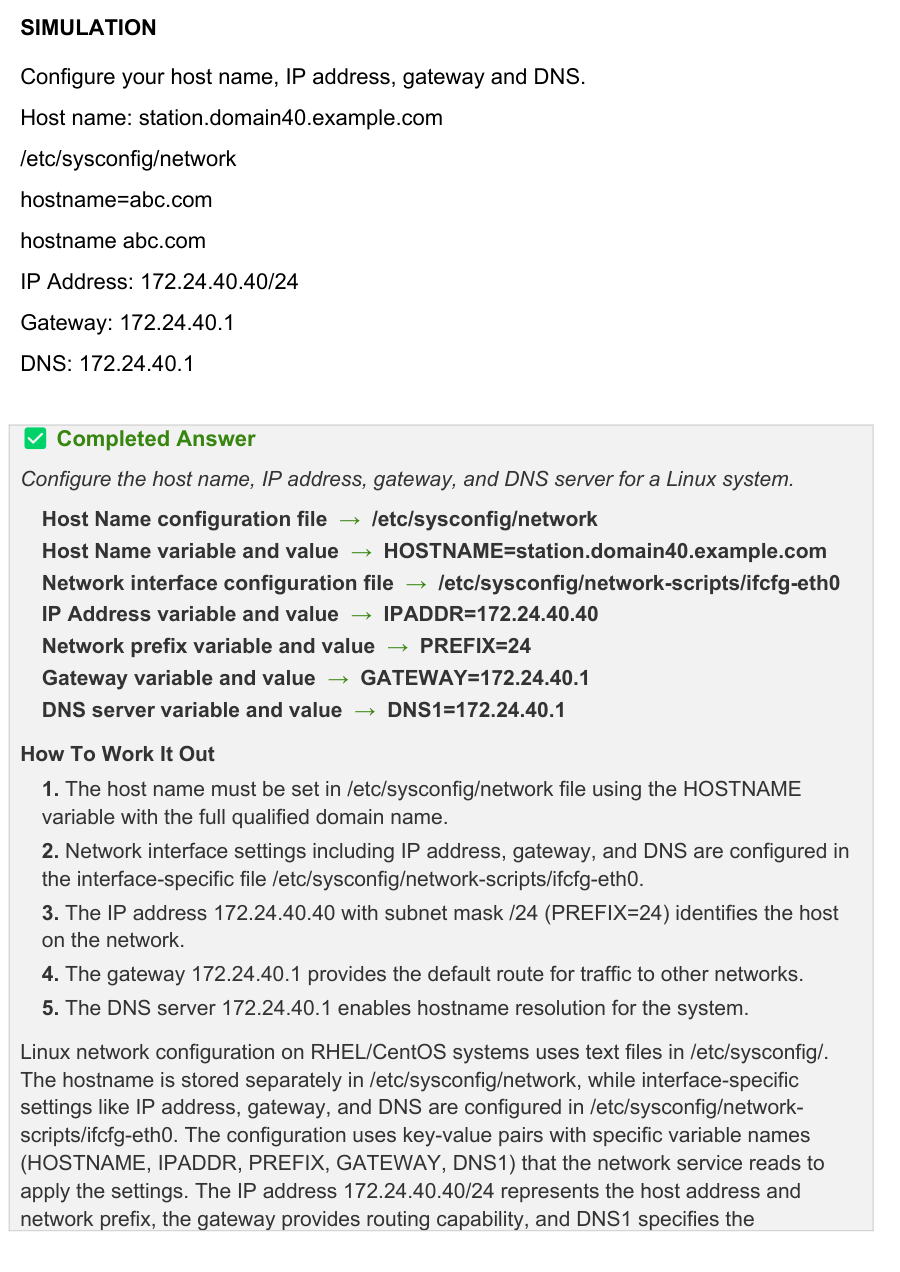
SIMULATION

Configure your host name, IP address, gateway and DNS.

Host name: station.domain40.example.com

/etc/sysconfig/network

hostname=abc.com

hostname abc.com

IP Address: 172.24.40.40/24

Gateway: 172.24.40.1

DNS: 172.24.40.1

Completed Answer

Configure the host name, IP address, gateway, and DNS server for a Linux system.

Host Name configuration file → /etc/sysconfig/network

Host Name variable and value → HOSTNAME=station.domain40.example.com

Network interface configuration file → /etc/sysconfig/network-scripts/ifcfg-eth0

IP Address variable and value → IPADDR=172.24.40.40

Network prefix variable and value → PREFIX=24

Gateway variable and value → GATEWAY=172.24.40.1

DNS server variable and value → DNS1=172.24.40.1

How To Work It Out

1. The host name must be set in /etc/sysconfig/network file using the HOSTNAME variable with the full qualified domain name.

2. Network interface settings including IP address, gateway, and DNS are configured in the interface-specific file /etc/sysconfig/network-scripts/ifcfg-eth0.

3. The IP address 172.24.40.40 with subnet mask /24 (PREFIX=24) identifies the host on the network.

4. The gateway 172.24.40.1 provides the default route for traffic to other networks.

5. The DNS server 172.24.40.1 enables hostname resolution for the system.

Linux network configuration on RHEL/CentOS systems uses text files in /etc/sysconfig/. The hostname is stored separately in /etc/sysconfig/network, while interface-specific settings like IP address, gateway, and DNS are configured in /etc/sysconfig/network- scripts/ifcfg-eth0. The configuration uses key-value pairs with specific variable names (HOSTNAME, IPADDR, PREFIX, GATEWAY, DNS1) that the network service reads to apply the settings. The IP address 172.24.40.40/24 represents the host address and network prefix, the gateway provides routing capability, and DNS1 specifies the

nameserver for domain name resolution.

Exhibit for question 1

Exhibit for question 1

Show answer and explanation

Question 2

Show the case study this question is based on

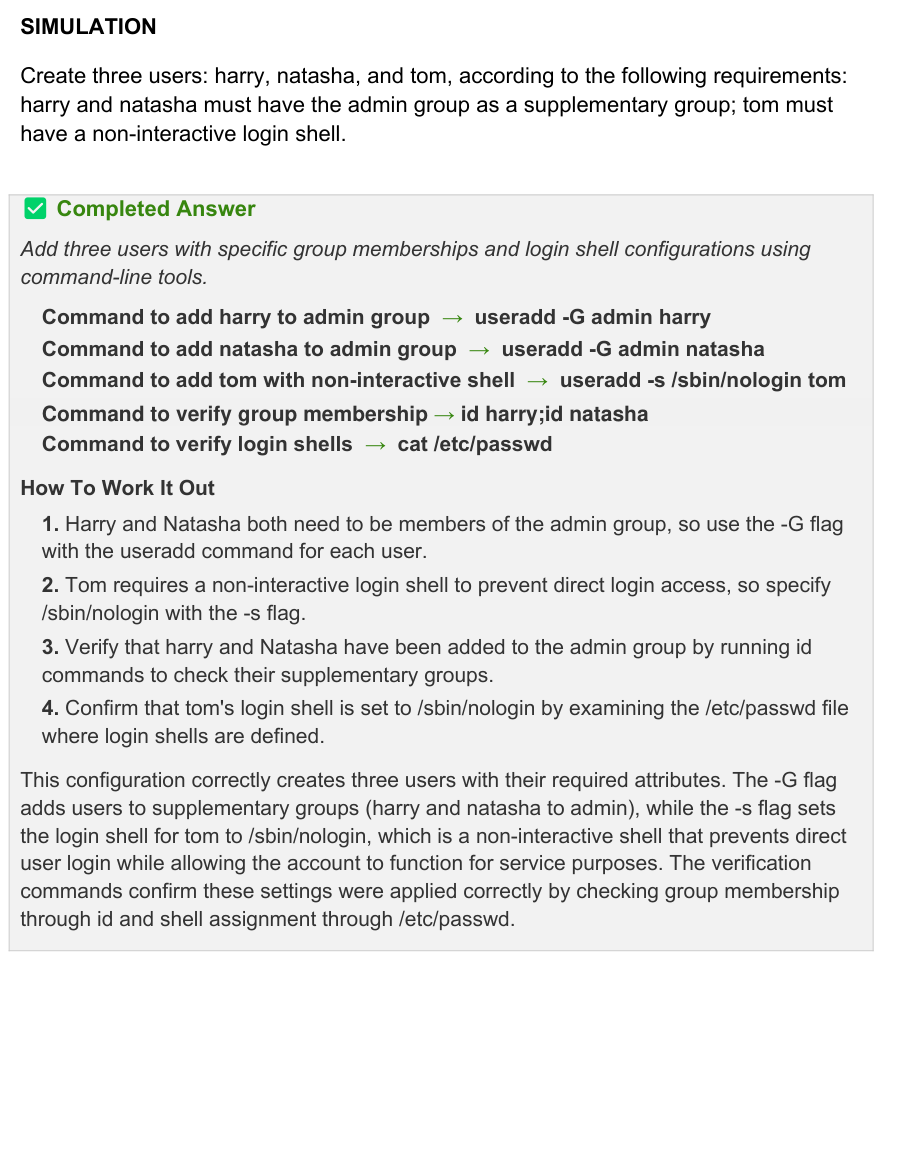
SIMULATION

Create three users: harry, natasha, and tom, according to the following requirements: harry and natasha must have the admin group as a supplementary group; tom must have a non-interactive login shell.

Completed Answer

Add three users with specific group memberships and login shell configurations using command-line tools.

Command to add harry to admin group → useradd -G admin harry

Command to add natasha to admin group → useradd -G admin natasha

Command to add tom with non-interactive shell → useradd -s /sbin/nologin tom

Command to verify group membership → id harry;id natasha

Command to verify login shells → cat /etc/passwd

How To Work It Out

1. Harry and Natasha both need to be members of the admin group, so use the -G flag with the useradd command for each user.

2. Tom requires a non-interactive login shell to prevent direct login access, so specify /sbin/nologin with the -s flag.

3. Verify that harry and Natasha have been added to the admin group by running id commands to check their supplementary groups.

4. Confirm that tom's login shell is set to /sbin/nologin by examining the /etc/passwd file where login shells are defined.

This configuration correctly creates three users with their required attributes. The -G flag adds users to supplementary groups (harry and natasha to admin), while the -s flag sets the login shell for tom to /sbin/nologin, which is a non-interactive shell that prevents direct user login while allowing the account to function for service purposes. The verification commands confirm these settings were applied correctly by checking group membership through id and shell assignment through /etc/passwd.

Exhibit for question 2

Show answer and explanation

Question 3

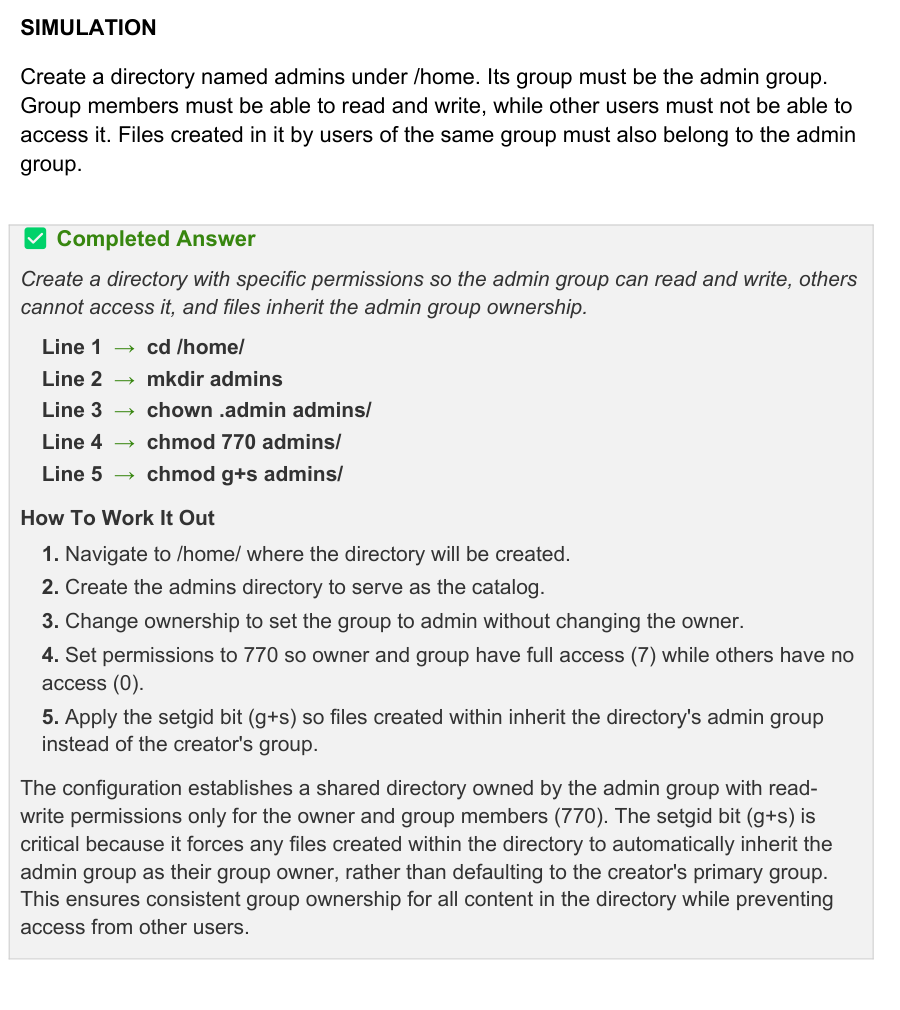
SIMULATION

Create a directory named admins under /home. Its group must be the admin group. Group members must be able to read and write, while other users must not be able to access it. Files created in it by users of the same group must also belong to the admin group.

Completed Answer

Create a directory with specific permissions so the admin group can read and write, others cannot access it, and files inherit the admin group ownership.

Line 1 → cd /home/

Line 2 → mkdir admins

Line 3 → chown .admin admins/

Line 4 → chmod 770 admins/

Line 5 → chmod g+s admins/

How To Work It Out

1. Navigate to /home/ where the directory will be created.

2. Create the admins directory to serve as the catalog.

3. Change ownership to set the group to admin without changing the owner.

4. Set permissions to 770 so owner and group have full access (7) while others have no access (0).

5. Apply the setgid bit (g+s) so files created within inherit the directory's admin group instead of the creator's group.

The configuration establishes a shared directory owned by the admin group with read- write permissions only for the owner and group members (770). The setgid bit (g+s) is critical because it forces any files created within the directory to automatically inherit the admin group as their group owner, rather than defaulting to the creator's primary group. This ensures consistent group ownership for all content in the directory while preventing access from other users.

Exhibit for question 3

Show answer and explanation

See all 10 free questions Get the full pack, US$39

111 practice tasks for Red Hat Certified System Administrator (RHCSA EX200), with full solutions and explanations.

Every task comes with a complete solution and an explanation of the commands used, not just the final state. Work through it once with the solutions, then again with the tasks-only copy against the clock.

  • 111 tasks mapped to the EX200 exam objectives
  • Complete solutions and explanations for every task
  • A tasks-only PDF for timed practice runs
  • Instant delivery by email the moment you check out
  • Free monthly updates for as long as the exam is live
  • Pass or your money back

The RHCSA costs US$500 per attempt. This pack is US$39, paid once, and refunded if you fail.

Try 10 questions free before you buy.

Last updated September 2026 · 111 tasks

What makes the RHCSA hard

The RHCSA is not like other IT exams. There are no multiple-choice questions to guess through. Red Hat gives you a live RHEL system and three hours to complete a list of real tasks: configuring storage, setting up users, managing services, fixing boot issues. Either you can do it or you can’t, and at US$500 a sitting, finding out on the day is expensive.

Most candidates prepare by studying theory and running through generic labs, without knowing which specific tasks are likely to come up. This pack puts 111 real task scenarios for the EX200 in one place, drawn directly from the exam rather than invented exercises or objectives copied from Red Hat’s own site, so the format is familiar well before exam day.

About the exam

The RHCSA is one of the most respected Linux certifications in enterprise IT. Unlike most certifications, it is entirely performance-based: no multiple choice, no theory questions. Candidates are given a live Red Hat Enterprise Linux system and must complete real administration tasks from scratch. It is the foundation credential for the Red Hat certification path and a prerequisite for the RHCE.

Exam domains

  • Essential tools: file management, text editing, shell environments
  • Operating running systems: boot targets, processes, services, virtual machines
  • Local storage: partitions, logical volumes (LVM)
  • File systems: permissions, ACLs, encryption, NFS, autofs
  • Deployment and maintenance: software installation, system services, scheduling
  • Networking: hostname, IP configuration, firewall
  • Users and groups: local accounts, password policies, sudo
  • Security: SELinux, file permissions, SSH key authentication
  • Containers: basic container management with Podman

3 hours, passing score 210/300, performance-based only, available in person and remote proctored.

Reviews

There are no reviews yet.

Only logged in customers who have purchased this product may leave a review.

Questions before you buy

What do I get when I buy the Red Hat EX200 RHCSA pack?

111 practice tasks as a PDF, each with the correct answer, a full explanation and a note on why the other options are wrong, plus a separate questions-only PDF for timed practice.

How quickly do I receive it?

Straight away. The full PDF and a questions-only copy are emailed to you the moment your payment goes through, and the same links are on your order page.

Is there a free sample?

Yes. Ten questions from this pack, with answers and explanations, are free on this page and as a PDF, so you can judge the quality before you pay.

Are updates included?

Yes. The pack is updated every month for as long as the exam is live, and updates are free for everyone who has bought it.

What if I fail the exam?

We refund the pack. Sit the exam 7 to 30 days after buying, then send your official score report within 7 days of the exam date, as set out in the refund policy.

Can I share it with colleagues?

Each purchase is licensed to one person. For a team, school or training organisation, email support@certstash.com for a licence that fits.